Powered By Olvy
We are pleased to announce the release of MoodQ V2.0.7, an update that introduces key functionalities to improve data management in the admin module, optimize the user experience in Teams, and enhance navigation for both administrators and collaborators. Below are the details:
New Features 🎨
Custom Tag Creation for Filters
Admins can now create and assign custom tags within the admin module to streamline data segmentation and easily reuse commonly applied filter configurations.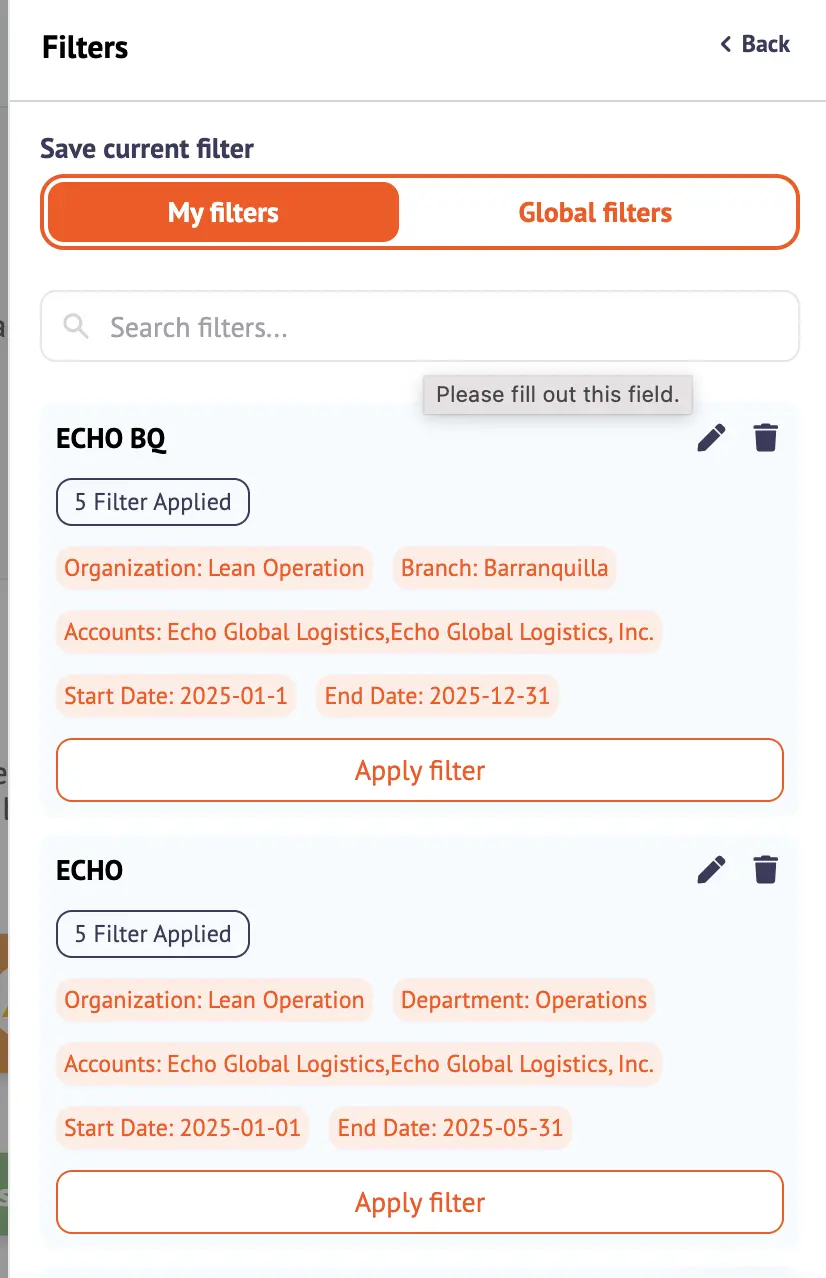
Total Member Count in Engagement Overview
Within the Engagement Overview in the Sentiment Dashboard, the total number of members is now displayed for the organization, accounts, or departments based on applied filters.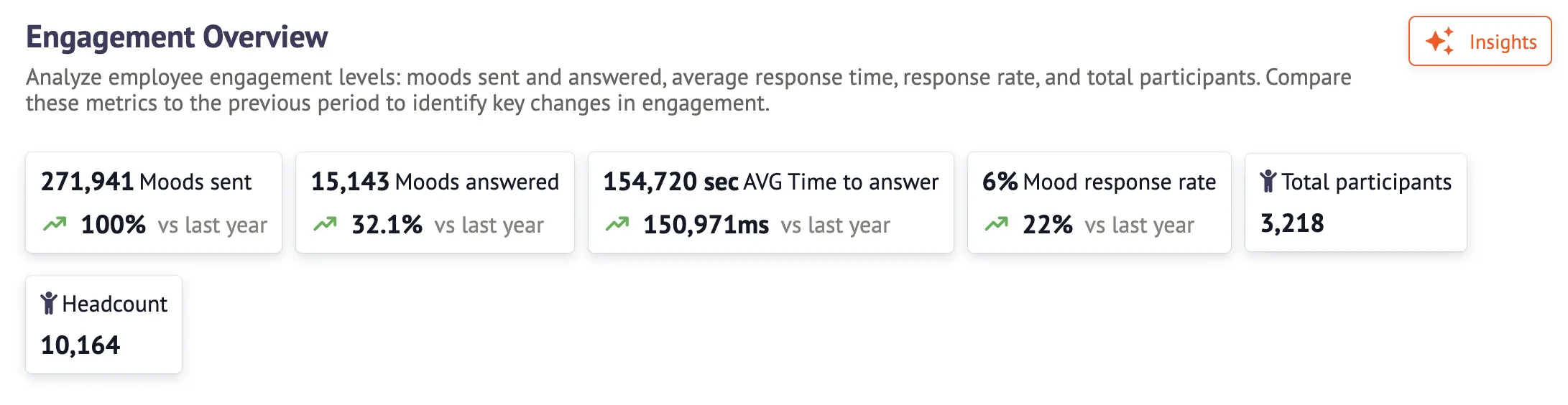
Tags Assigned to HRBPS
Tags corresponding to the accounts managed by each HRBP are now automatically assigned, simplifying access and organization of relevant information in the admin module.
MoodBuddy Onboarding Introduction
A brief introduction has been added to guide users during their first interaction with MoodBuddy, providing a smoother and more engaging initial experience.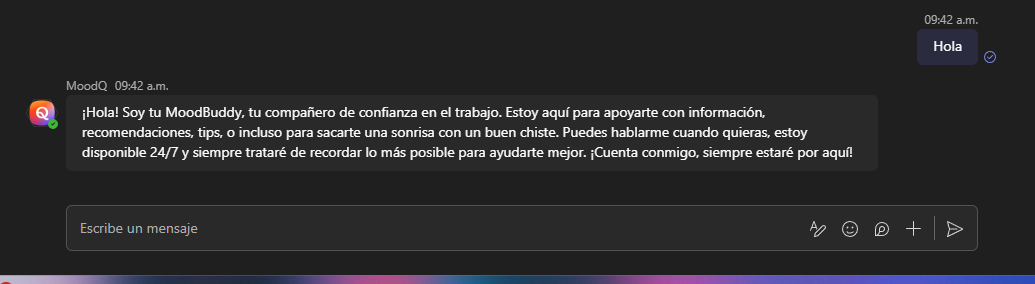
Access to User Profile from Contact Channel
Users can now access their personal profile directly from their communication channel (such as Slack or Teams), offering a more seamless and intuitive interaction with MoodQ.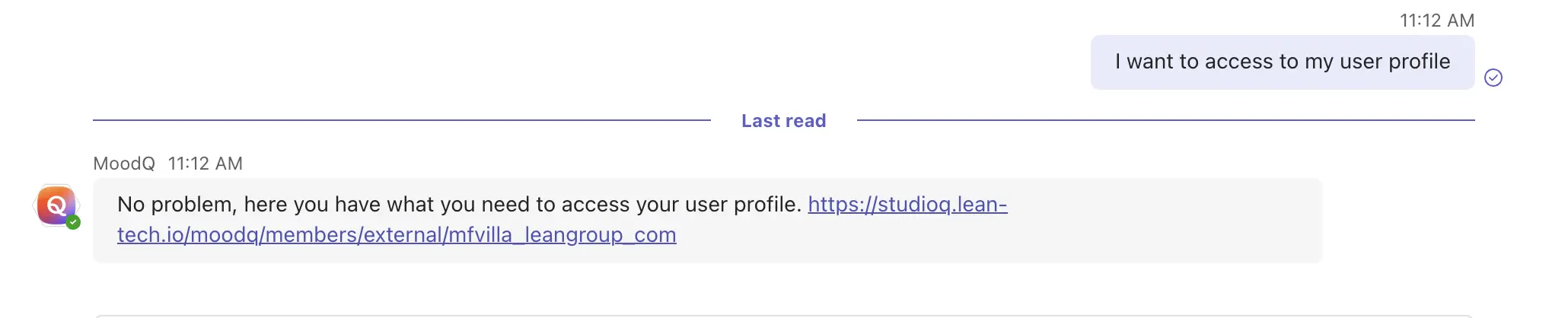
Improvements 🛠️
Frequent Case Reasons Display
In the Sentiment Dashboard under the admin module, frequent reasons for case creation are now visible based on the filtered period, helping admins identify key trends.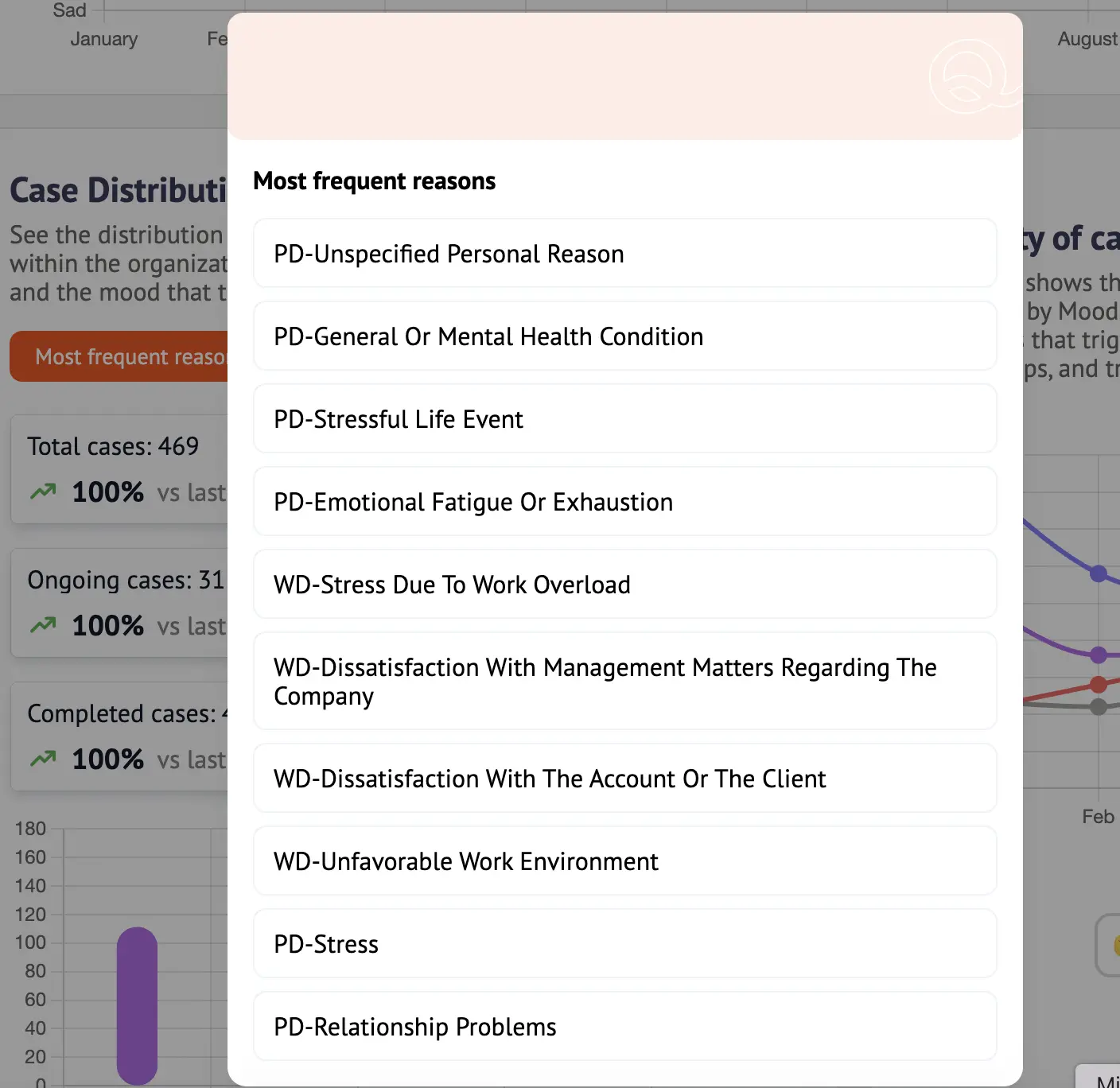
Escalated Area Visibility in Cases
Within the Cases view of the admin module, admins can now see the internal areas to which cases have been escalated, improving clarity and follow-up.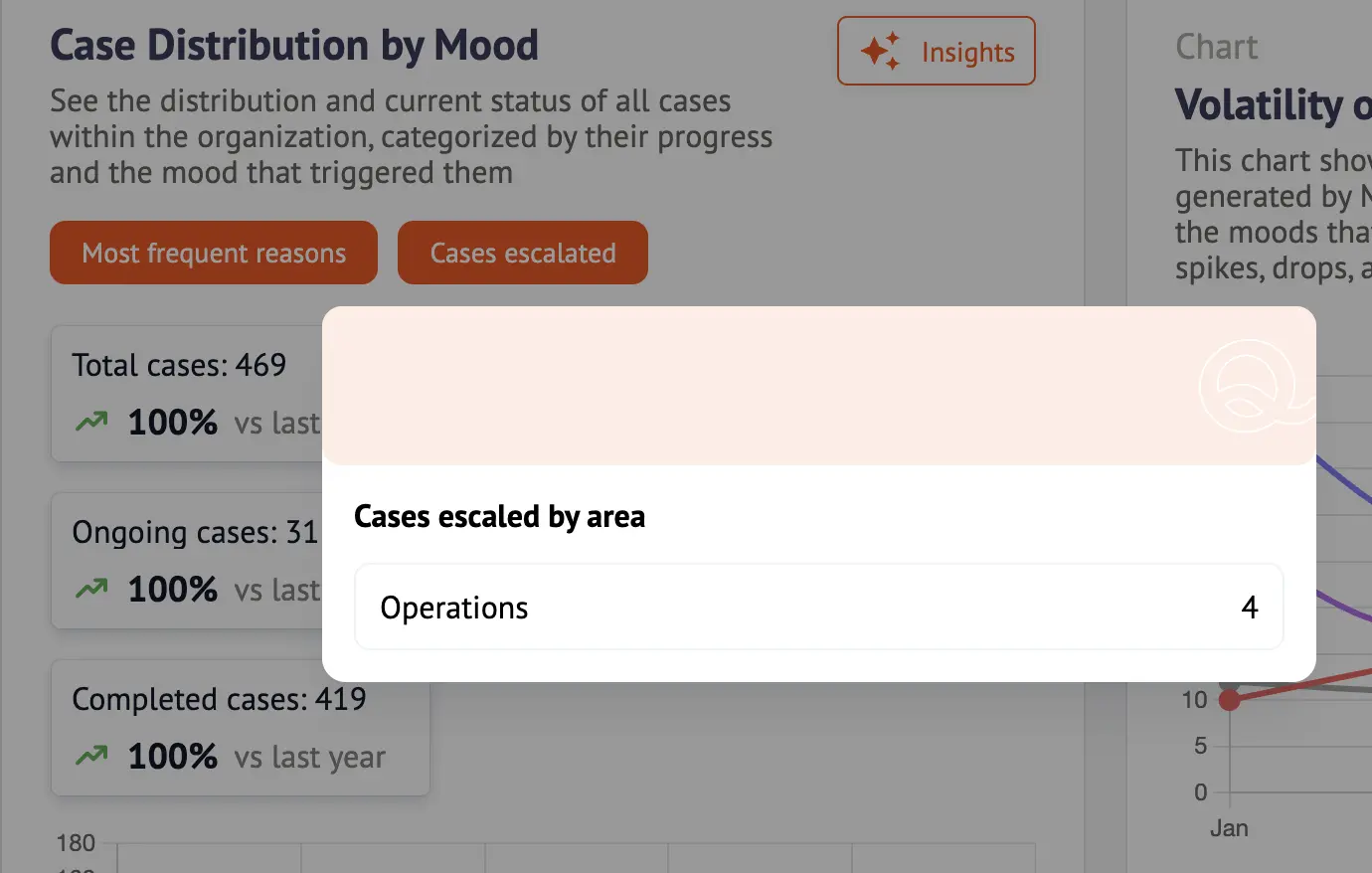
Visualization of Applied Filters
Admins can now see which filters have been applied to the data they are viewing in the admin dashboard, providing greater transparency and context.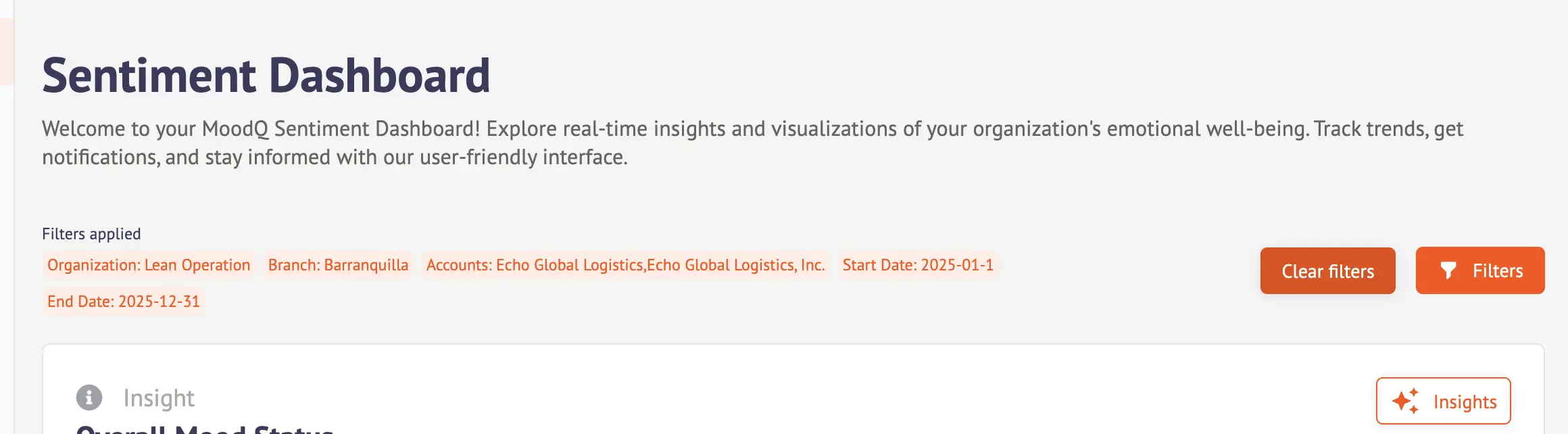
Admin Dashboard UI Enhancements
Visual and interface improvements have been implemented in the admin dashboard to deliver a more organized and fluid experience.
Improved Mood Experience in Microsoft Teams
The user experience in Microsoft Teams has been enhanced to ensure proper mood display and interaction across all users.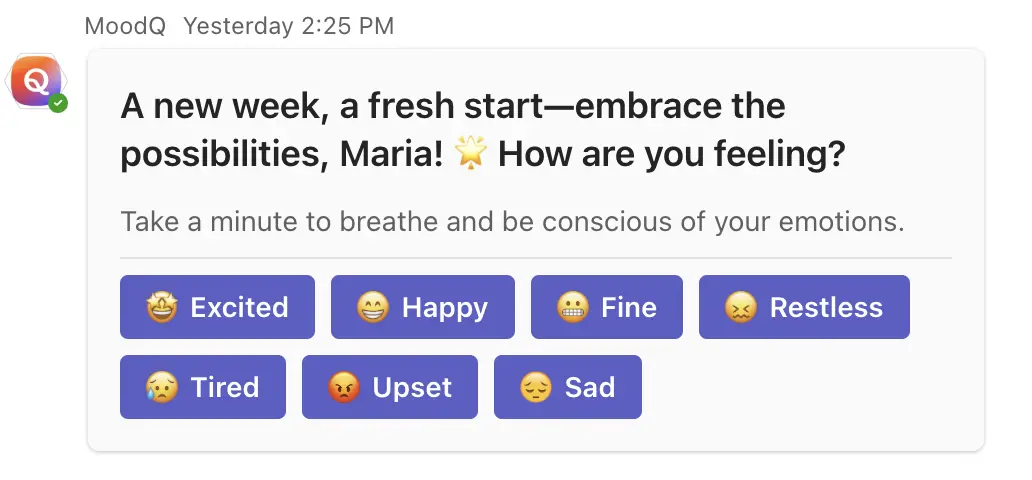
This version reinforces MoodQ’s commitment to supporting efficient administration, insightful data analysis, and a more engaging user experience.
Thank you for continuing to build a culture of well-being with MoodQ. ❤️